Friends don’t let friends click in the Portal.
We’ve all done it. You need a new Storage Account, so you log into the Azure Portal, click “Create,” pick a name, and five minutes later you have what you need.
But then you need to recreate it for the Test environment. And then for Production. And then a developer accidentally deletes the development database (it happens!).
Infrastructure as Code (IaC) isn’t just a buzzword; it’s sanity insurance. For our MyDashboard project, we exclusively use Azure Bicep, and I recently refactored our entire infrastructure to be modular and environment-aware.
The Problem with “ClickOps”
Clicking around works fine for prototypes. But when you are managing 3 environments (Dev, Test, Prod), manual configuration is a guarantee for Configuration Drift. “Why does it work in Dev but fails in Test?” -> “Oh, I forgot to enable that managed identity setting.”
The Modular Approach
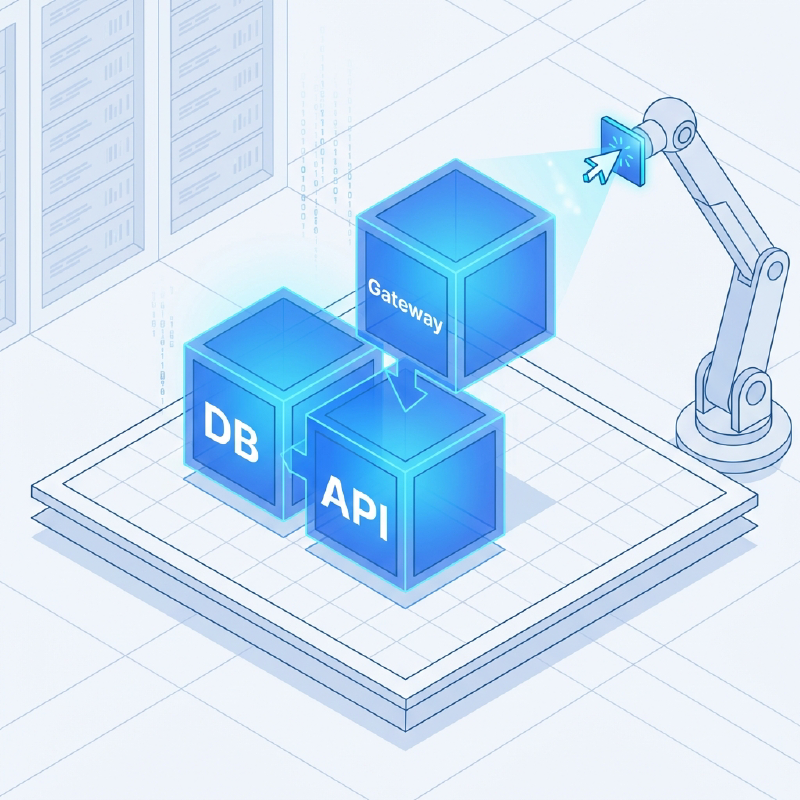
Instead of one giant 2000-line main.bicep file that nobody dares to touch, we break everything down into modules.
|
|
The Power of Parameter Files
The real magic happens in the parameter files. We use the same Bicep code for all environments, but we change the SKUs based on the target.
For Development (d), we want to save money:
|
|
For Production (p), we want performance and reliability:
|
|
Deployment is a Breeze
Deploying a new environment is now a single command from my terminal:
|
|
This ensures that Production is exactly like Test, just with more horsepower. No “it works on my machine” (or “it works in my subscription”) excuses.
If you are 100% Azure, Bicep is the way to go. It compiles to ARM, requires no state file, and VS Code support is just chef’s kiss.